Drivers need a current licence record and the right vehicle details before club admins can confidently approve entries and run sign-in.
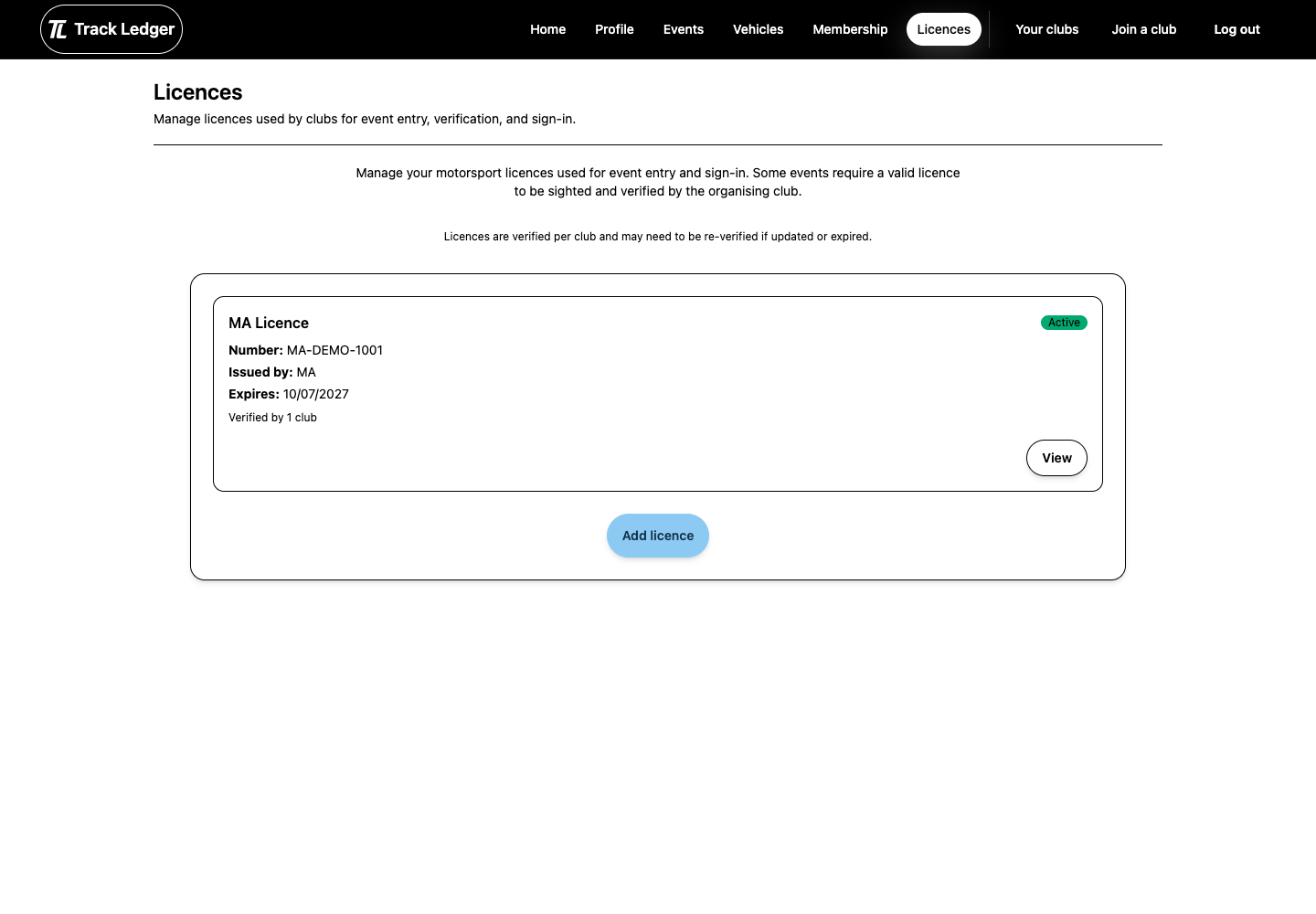
Licence Readiness
For licence-required events, check that:
- the licence belongs to your account
- the expiry date is current
- the licence type is accepted by the event
- day licences are allowed if you plan to use one
- the organising club has verified the licence where verification is required
If something looks wrong, update the licence before event day and contact the club if verification is needed.
Vehicle Readiness
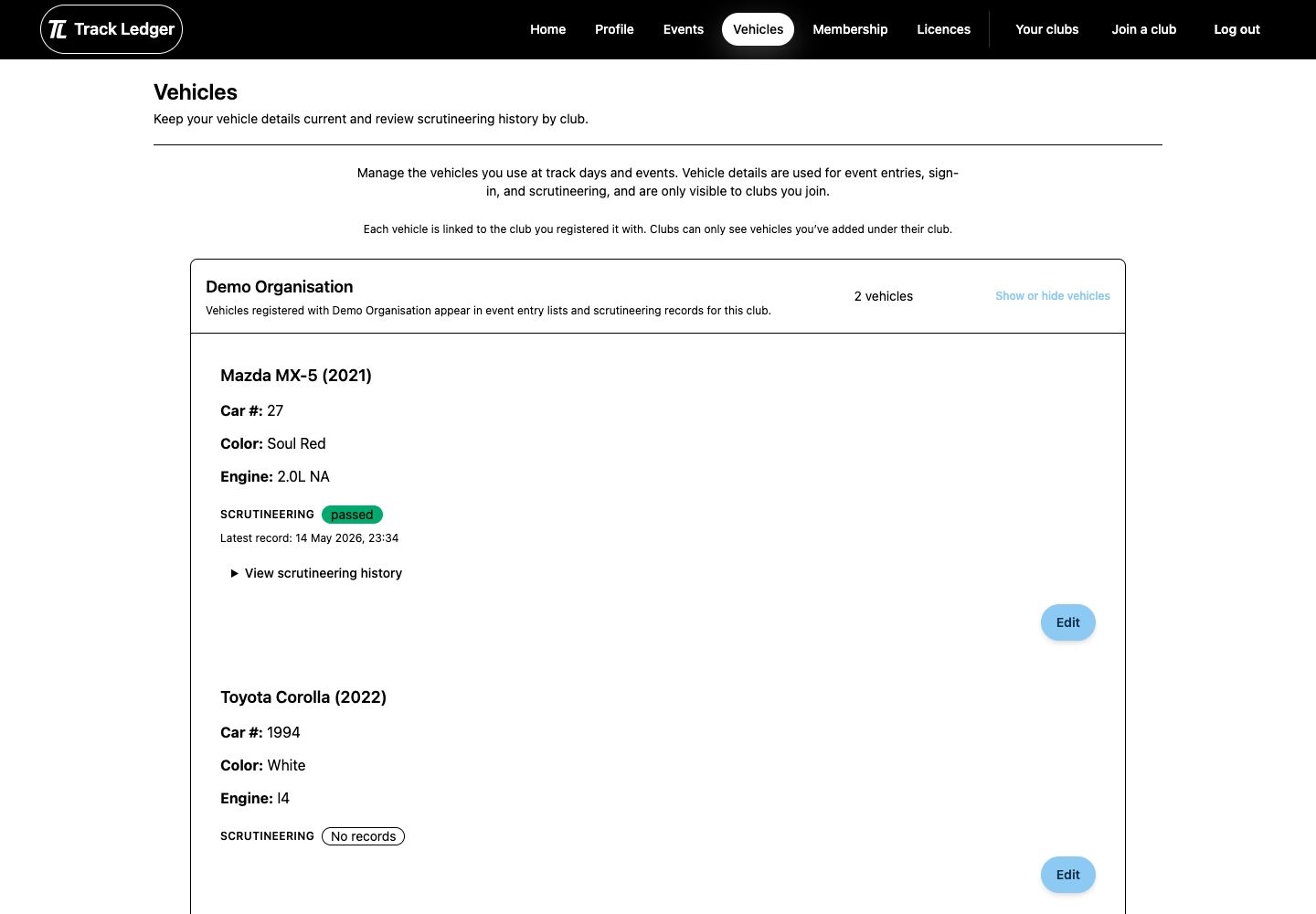
Driver entries are attached to a specific vehicle. Before entering, make sure the vehicle record matches what you will bring to the event.
Check:
- make, model, colour, and year
- competition number
- club relationship for the vehicle
- any details officials use to identify the car
Recommended Setup Order
- Add your licence.
- Confirm the expiry date and licence type.
- Ask the club to verify it if required.
- Add each vehicle you expect to enter.
- Double-check the vehicle before submitting an event entry.
Common Issues
Licence not accepted at sign-in
Check the expiry date, licence type, and club verification status. If the licence looks correct, contact the club before arriving at the venue.
Wrong vehicle on an entry
Your sign-in vehicle should match the approved entry. If you entered with the wrong vehicle, update the entry where possible or ask the club admin for help.
Number or group conflict
Some events require unique car numbers. The club may ask you to change number, move group, or wait for admin approval.