Waivers and scrutineering checklists are required foundations for many driver events. Set them up before creating the event so the publish step is smoother.
Waivers
A waiver needs a clear title and body text. When a driver signs in, the event uses the waiver assigned to that event.
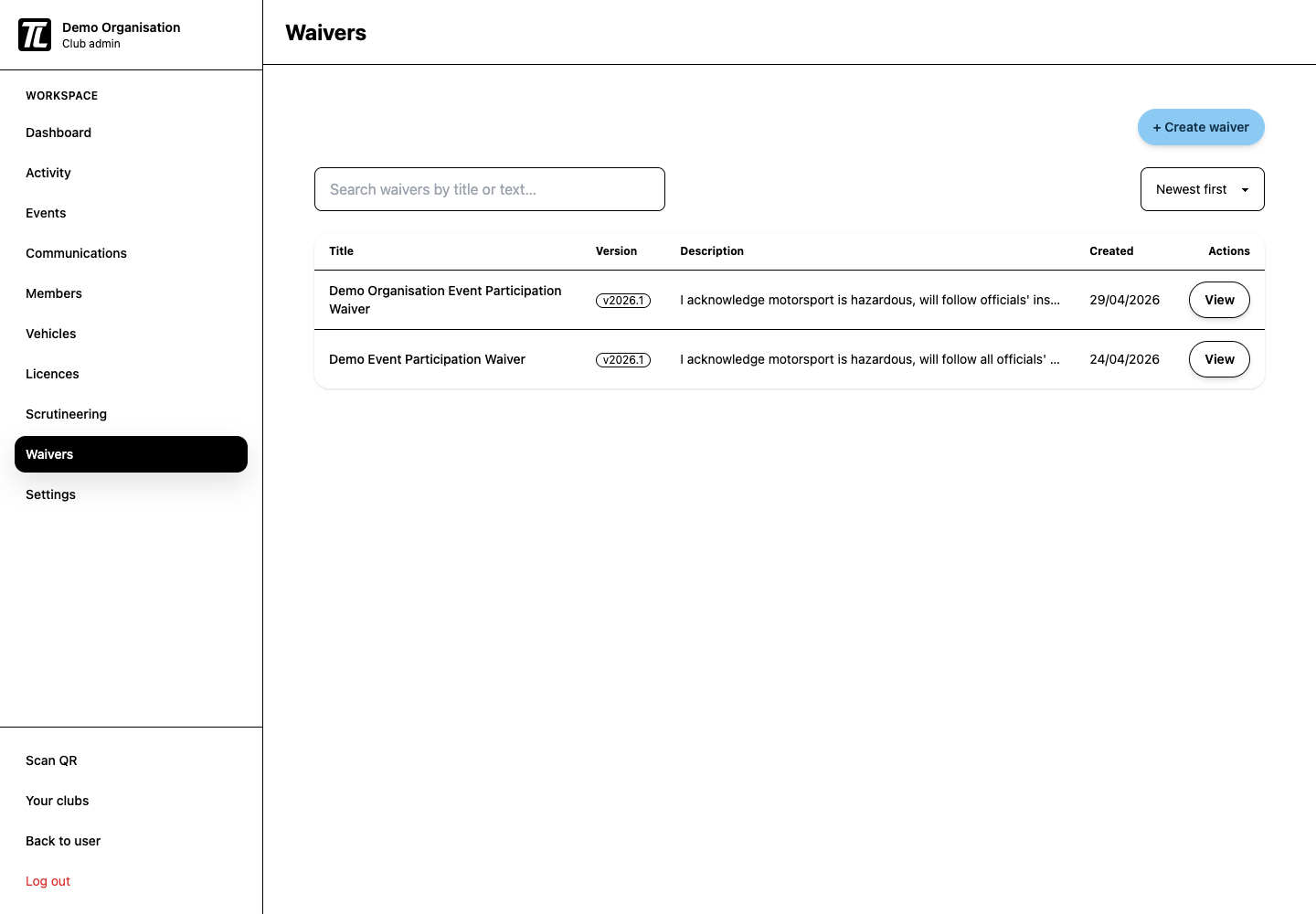
Good waiver setup:
- use plain, complete wording
- keep old versions available for past events
- archive waivers you no longer want admins to select
Checklist Templates
Scrutineering checklist templates can include:
- section headers
- pass, fail, or reinspect items
- number fields
- text fields
Each checklist should include the items officials actually need to review. Keep the template short enough to use under event-day pressure.
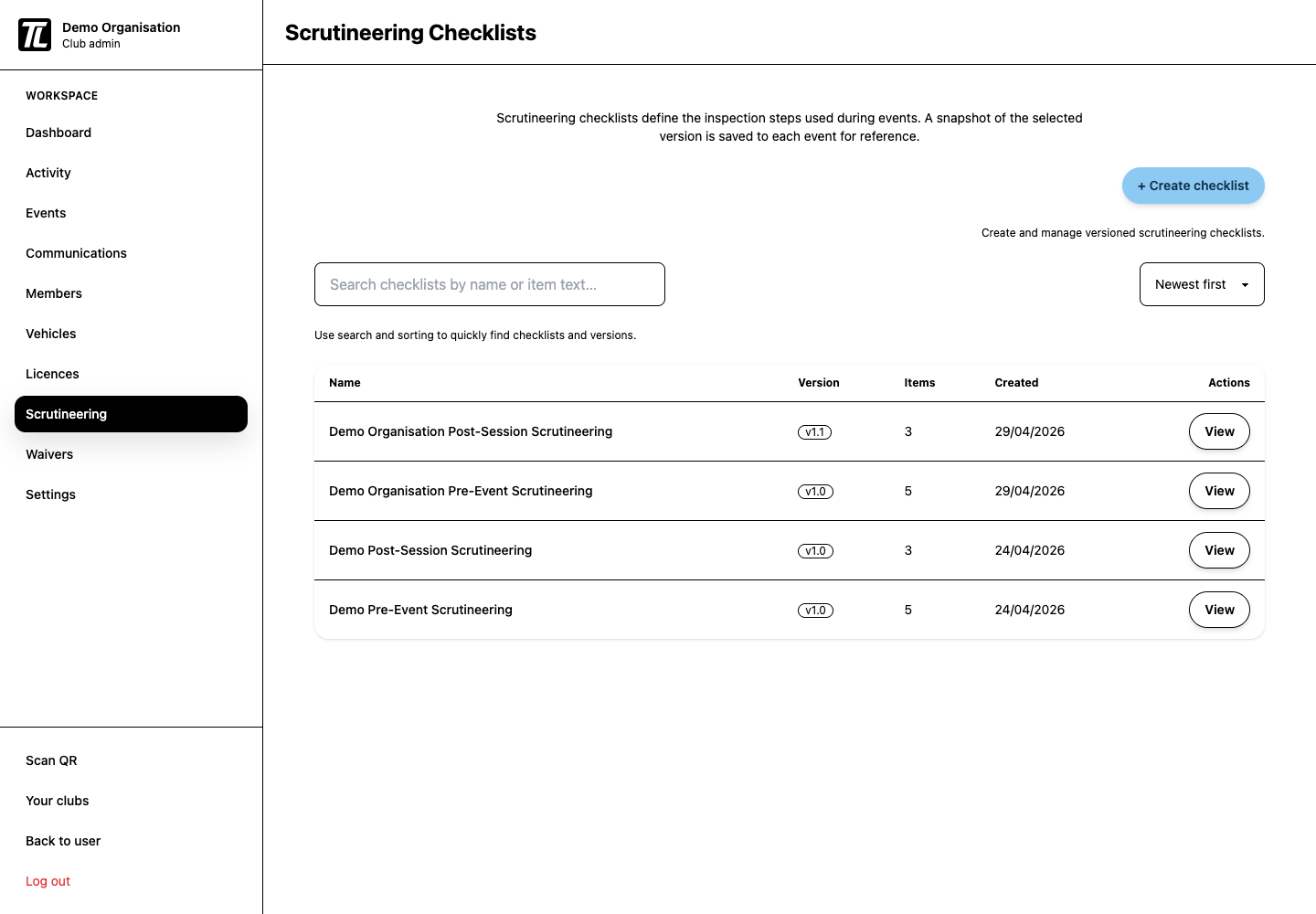
Assigning Checklists to Events
During event setup, choose the scrutineering scope:
- event: one checklist for all drivers
- groups: a different checklist can be assigned per run group
The create-event wizard links back to checklist creation if none exist yet.
Self-Scrutineering
Self-scrutineering appears to drivers only when the event allows it and a checklist has been assigned. Drivers must also be signed in before completing self-scrutineering.
Post-Session Checks
Post-session scrutineering is useful for follow-up inspections after a session, incident, podium result, or random check. Use it only when your club has a clear process for who creates the check and who completes it.
Admin Checklist
- Create a current waiver.
- Create at least one pre-event checklist.
- Add post-session checklists only if needed.
- Assign waiver and checklist during event setup.
- Confirm officials understand pass, fail, and reinspect outcomes.