This guide is for drivers, volunteers, media applicants, spectators, and anyone joining a club through TrackLedger.
1. Create Your Account
Open member registration and enter your name, email, phone, and password.
After registration, keep an eye on your email. TrackLedger may ask you to verify your address before you continue into the app.
2. Complete Your Profile
Your profile helps clubs identify you and contact the right person in an emergency. Before entering events, add:
- phone number
- address
- emergency contact name
- emergency contact phone
Keeping this information current saves admin time on event day.
3. Set Up Account Security
Some accounts are asked to use multi-factor authentication. If you see an MFA setup screen, follow the prompts with an authenticator app and keep your backup codes somewhere safe.
4. Join or Follow a Club
Clubs can choose how people connect with them:
- public clubs may allow direct joining
- private clubs usually require an invite link
- some clubs allow followers to enter selected events
If you cannot enter an event, first check whether your club relationship is active and whether the event is open to your role.
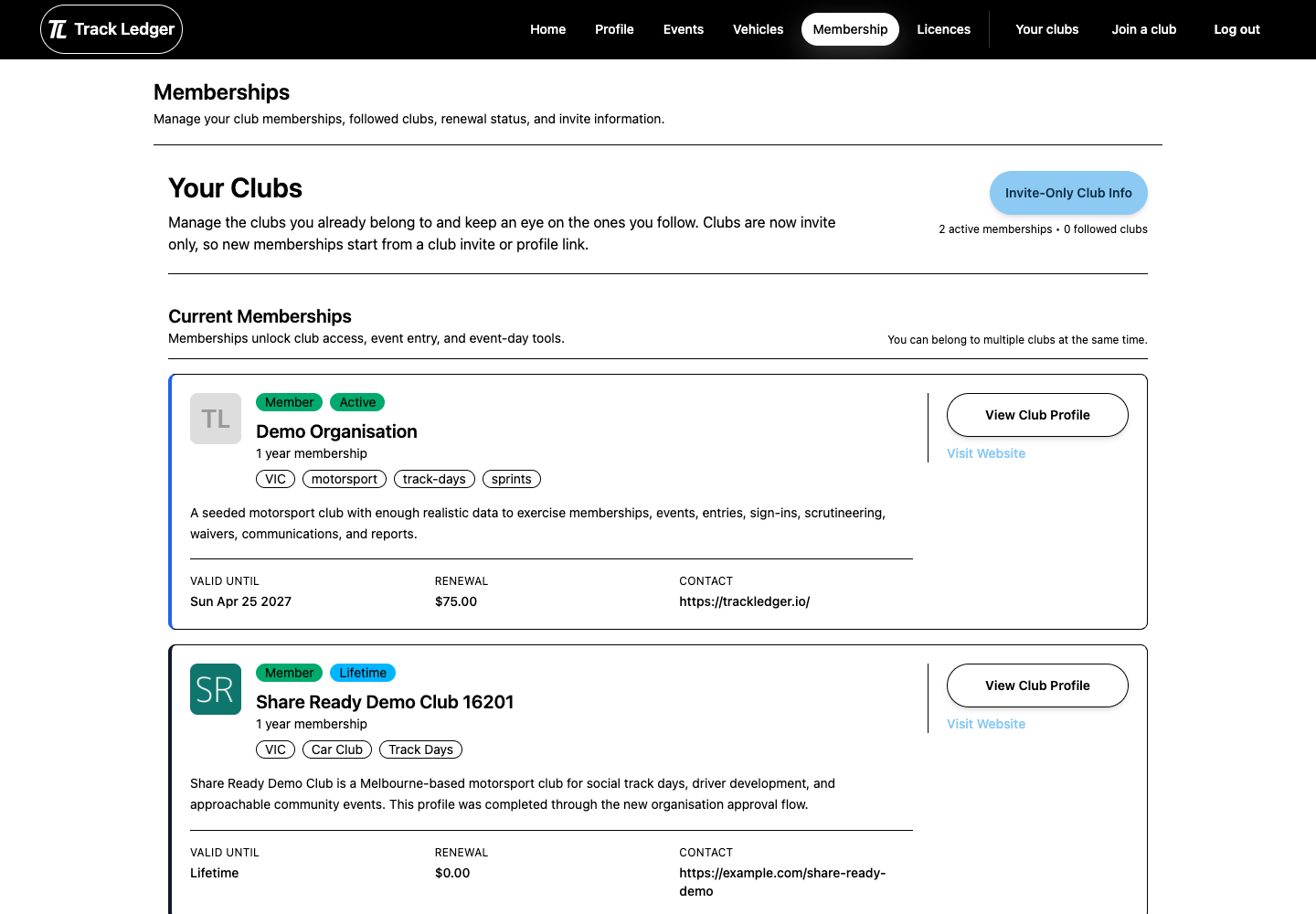
5. Use Memberships as Your Home Base
The membership area is where you review active memberships, renewals, followed clubs, and payment confirmation steps.
Before You Enter an Event
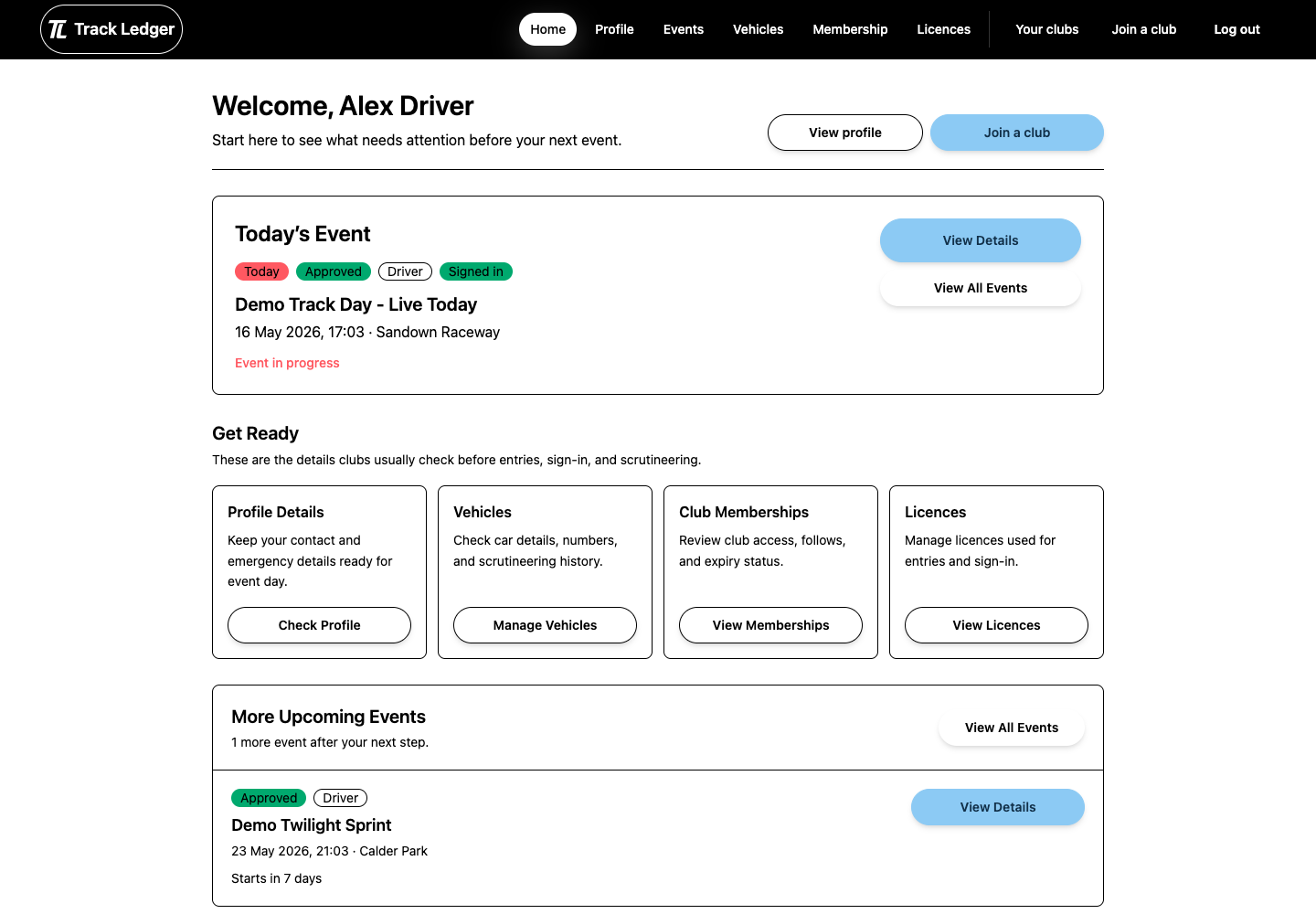
Make sure:
- your email is verified
- your profile and emergency contact are complete
- your club membership or follower access is correct
- your licence and vehicle are ready if you plan to drive