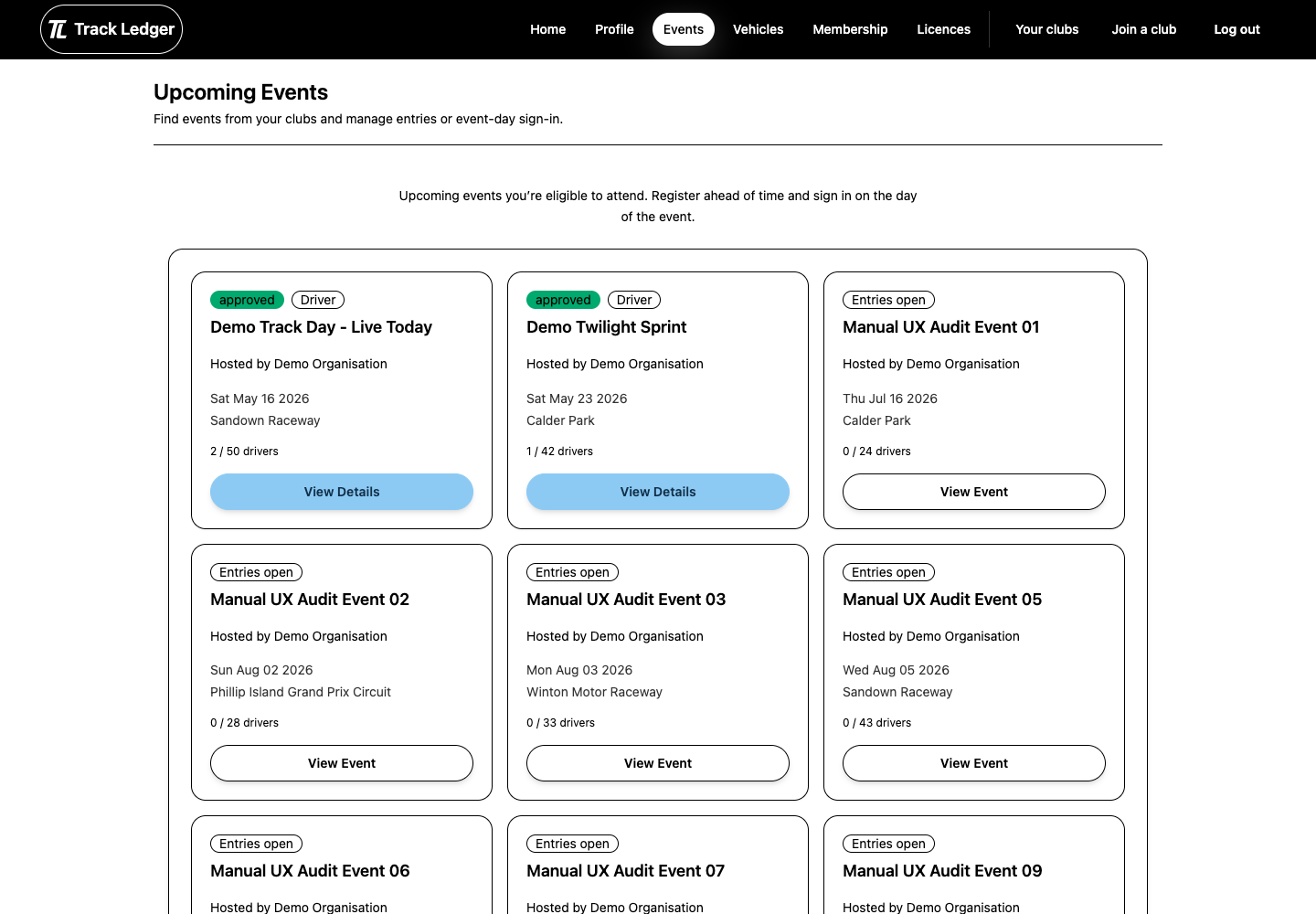
This guide explains the member entry flow from finding an event to checking whether your entry is approved, pending, or waitlisted.
Before You Start
Event access depends on the club and event settings. You may need:
- active membership
- follower access
- entries to be open
- a role that is enabled for the event
- a valid vehicle if you are entering as a driver
If the event is not available, check the opening date and your club relationship.
Choose Your Role
Events can allow different role types:
- driver
- media
- volunteer
- spectator
Each role can have its own approval setting, price, and capacity. Read the event details before submitting so you choose the right option.
Driver Entry
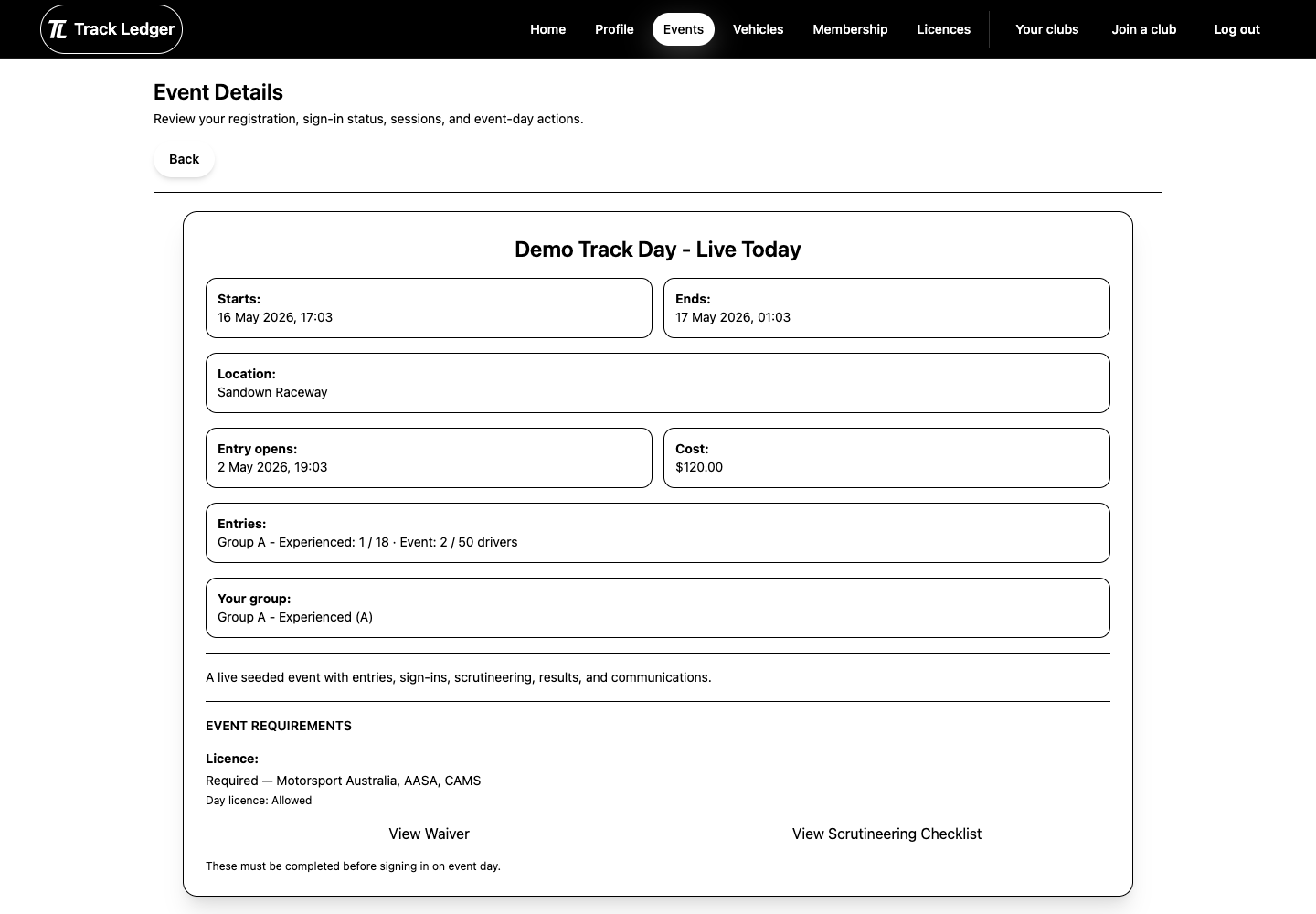
Drivers may need to select:
- vehicle
- run group
- car number
- licence details, depending on the event
Payment
If the role has a price, complete the payment step shown by the app. A club may offer Stripe, PayPal, or manual payment depending on how the event was set up.
After returning from payment, wait for the app to confirm the entry status. If a payment appears complete but the entry has not updated, contact the club with the event name and payment provider used.
Entry Statuses
After submission, your entry may show as:
- approved: you are accepted for the event
- applied: the club still needs to review it
- waitlisted: the event or group is currently full
- rejected: the club declined the entry
Your event details page is the best place to check the latest status.
Quick Checklist
- Confirm you selected the correct role.
- If driving, confirm the vehicle and run group.
- Complete payment if required.
- Reopen the event details page and check your entry status.
- Review the event-day guide before sign-in opens.