Use this guide when creating a club event from draft through event-day follow-up.
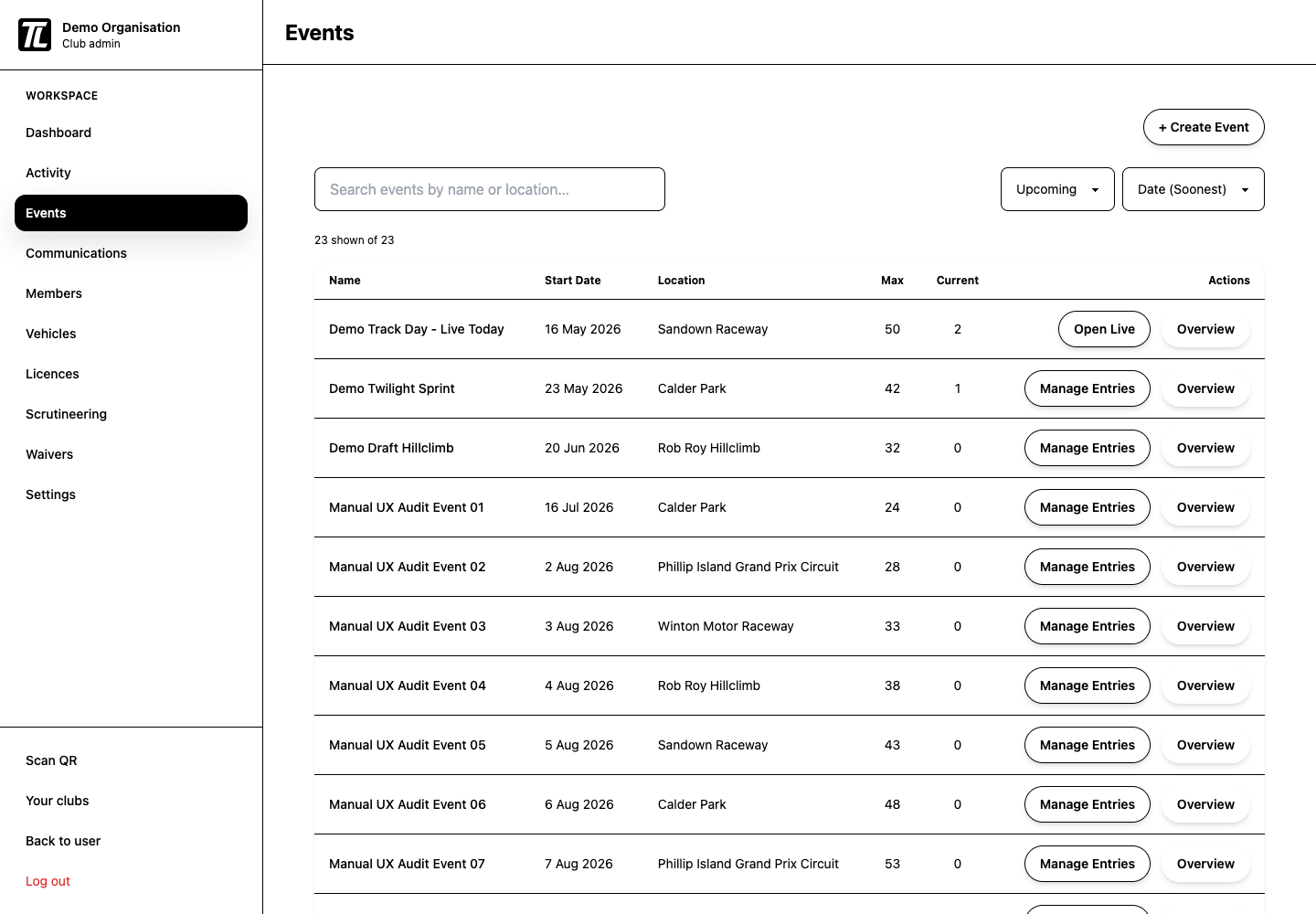
Before You Create the Event
Confirm:
- club timezone is correct
- waiver is ready
- scrutineering checklist is ready
- entry roles and prices are decided
- payment method is ready if the event is paid
Build the Draft
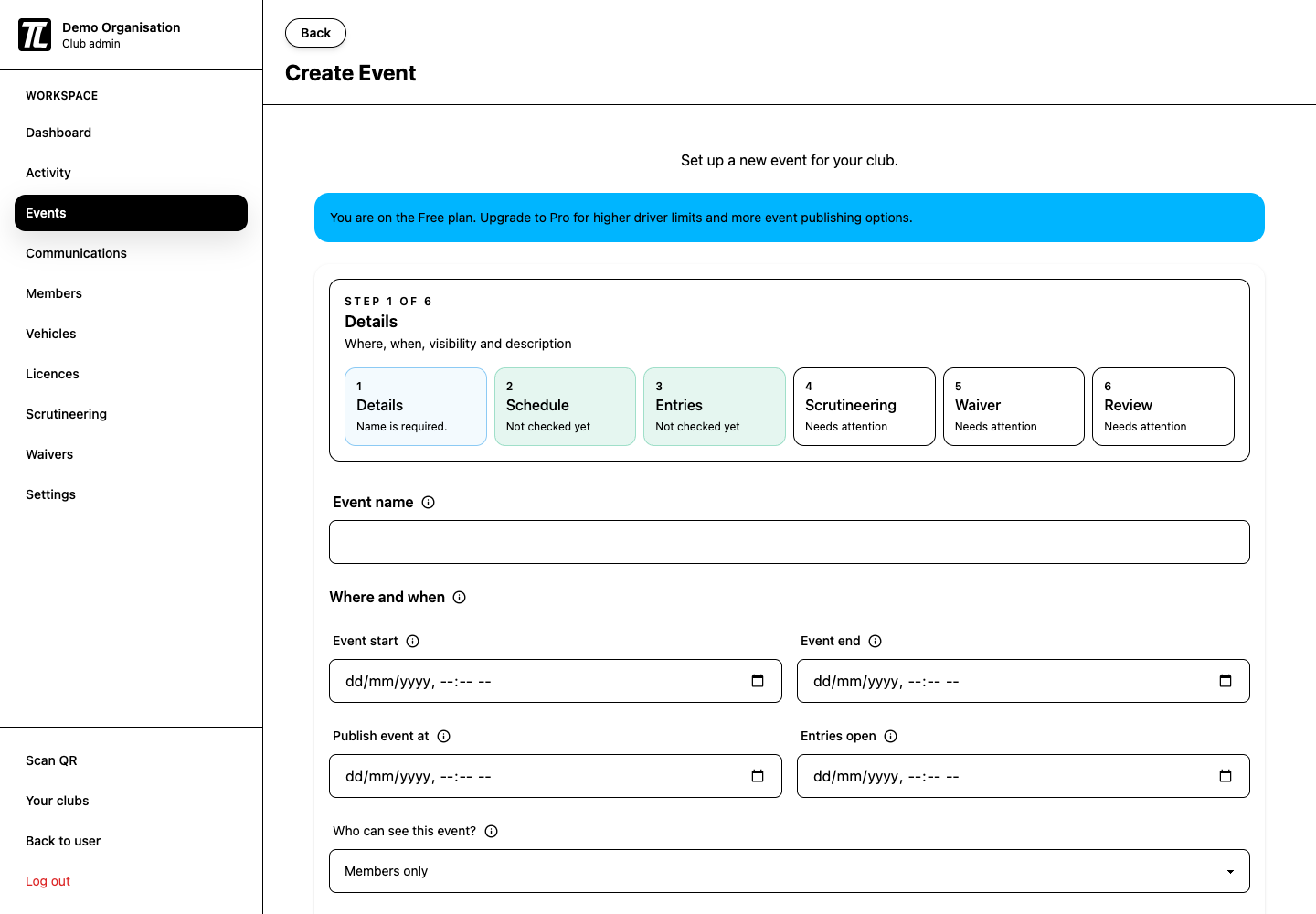
The create-event wizard has six steps:
- details
- schedule
- entries
- scrutineering
- waiver
- review
Drafts autosave while editing.
Useful fields to understand:
- event name is the public name shown to entrants
- entry cost controls the driver entry price
- car number uniqueness controls whether car numbers must be unique for the whole event or only within each run group
- group code is the short group label shown on schedules and entry lists
If no waiver or checklist exists, the wizard links you to create the missing item first.
Publish Checklist
Before publishing, review:
- name, location, and description
- start and end times
- entry opening time
- driver limit and role capacity
- payment method for paid roles
- licence requirements
- waiver
- scrutineering checklist
- run groups and sessions
The review step shows a warning near the publish button when something still needs attention.
After Publishing
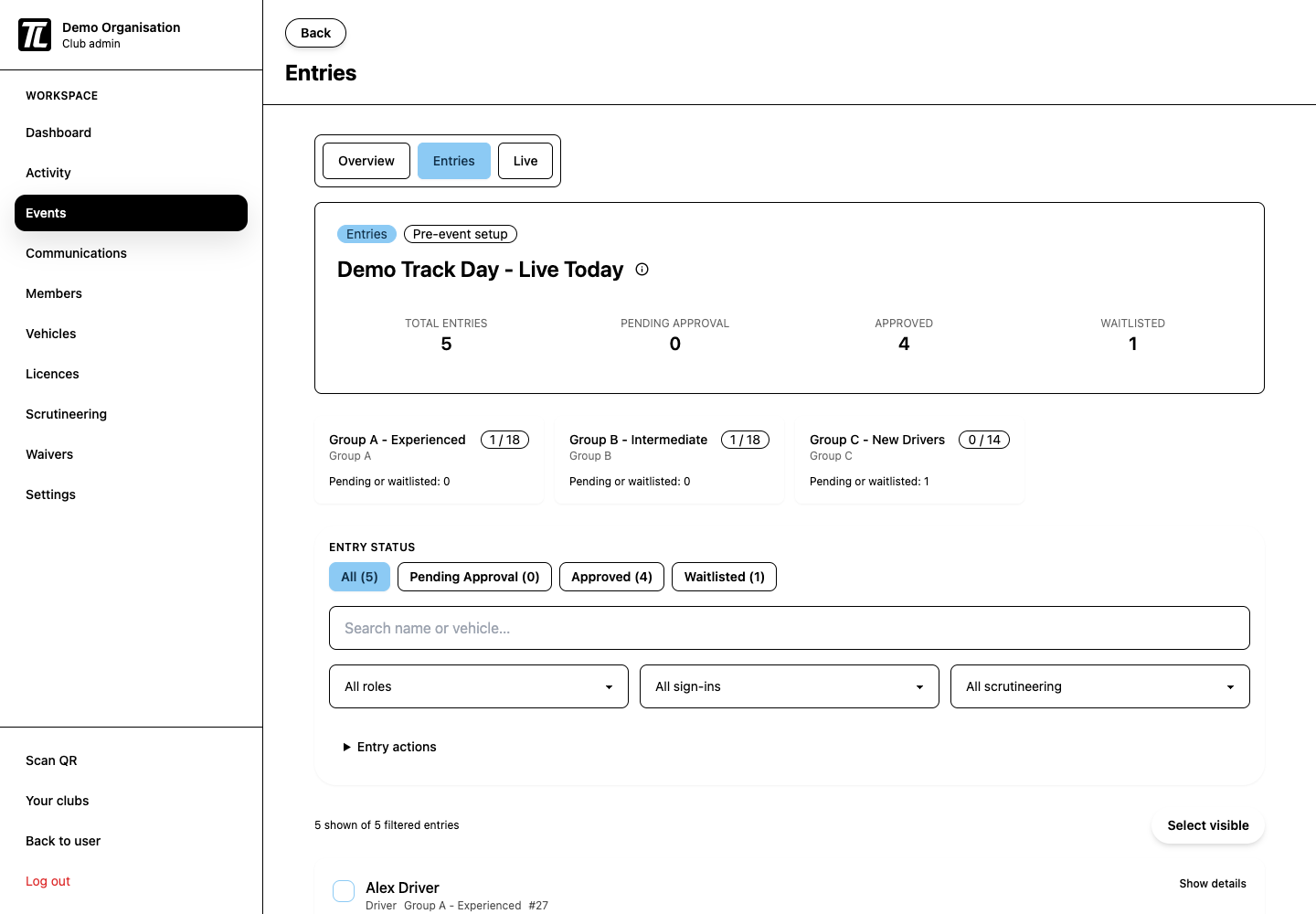
Use the event workspace to manage:
- applications and approvals
- waitlist decisions
- driver group changes
- car number conflicts
- role and payment status
- event-day sign-in and scrutineering progress
Event-Day Operations
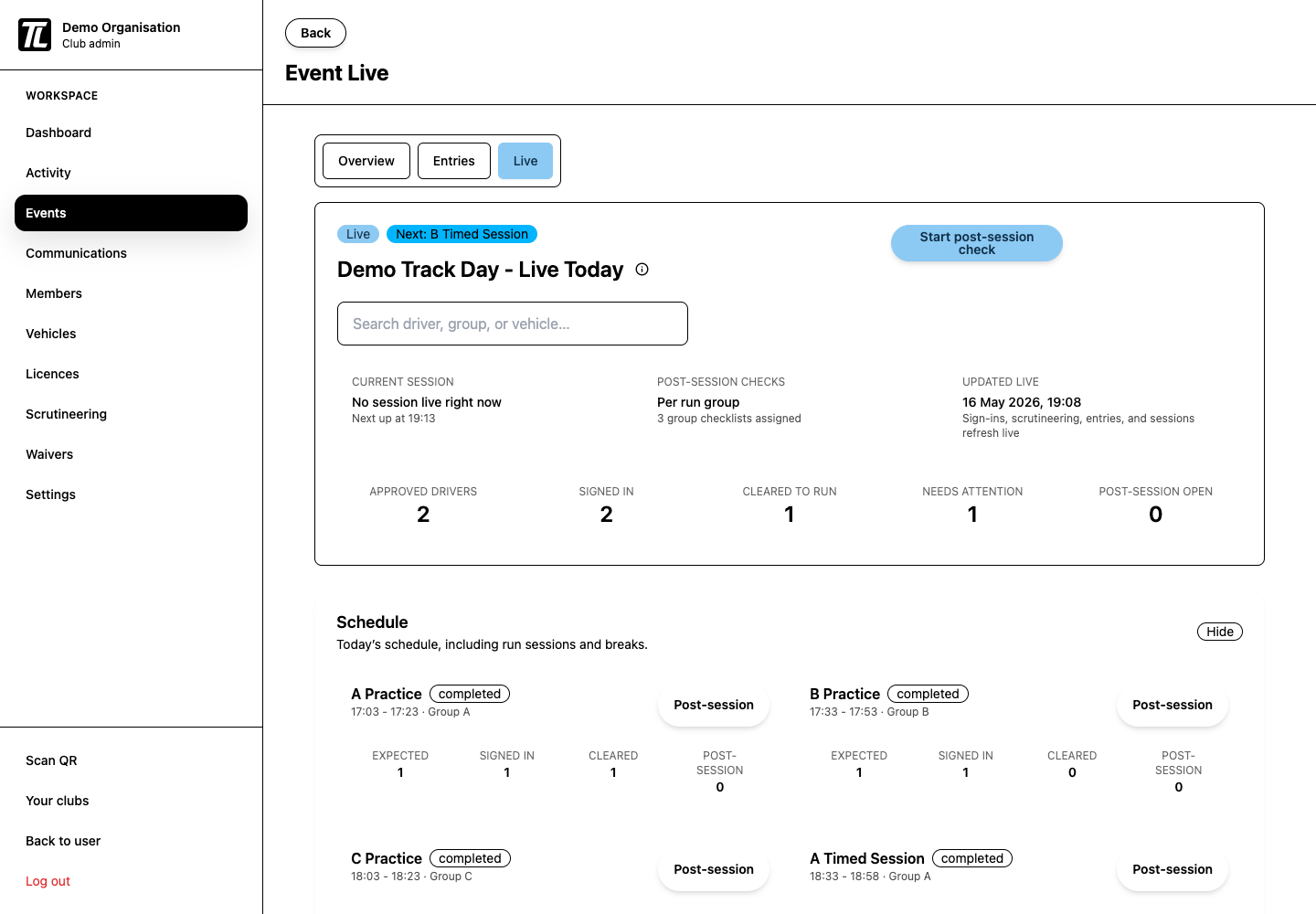
During the event, monitor:
- sign-ins
- waiver completion
- licence checks
- scrutineering status
- participation updates
After the Event
Review entry, sign-in, and scrutineering records while the details are fresh. Use that review to improve the next event setup.