Use this guide when you are entered as a driver and need to complete the final steps before going on track.
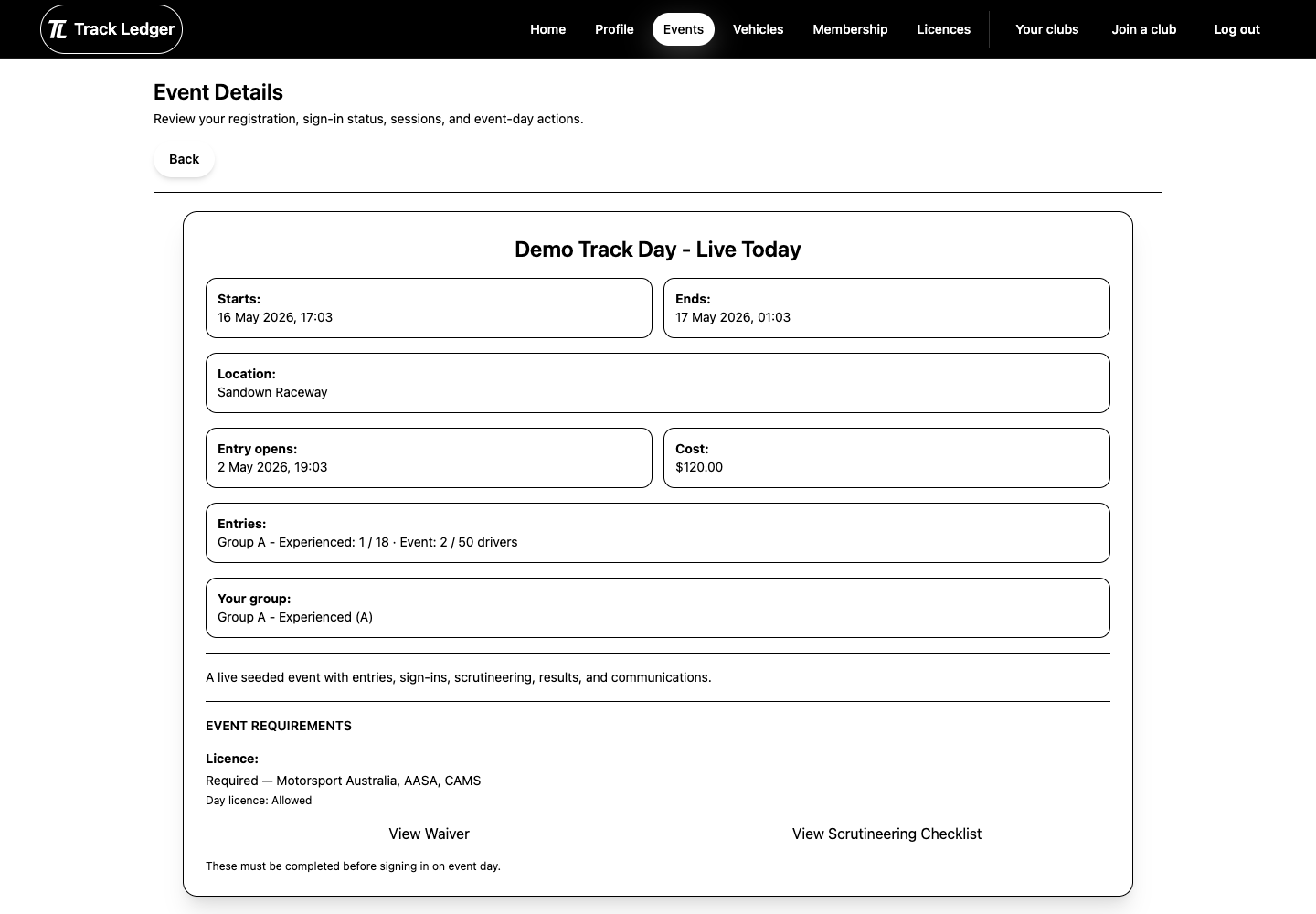
Driver Flow
- Open the event details page.
- Start sign-in.
- Confirm the vehicle.
- Accept the waiver.
- Select a licence if the event asks for one.
- Complete scrutineering if it is assigned.
- Check the final status before heading to the next activity.
Sign-In Checklist
Before starting sign-in, make sure:
- your driver entry is approved
- you are using the same vehicle listed on the entry
- the event sign-in window is open
- the required waiver is available
- your licence is ready if the event needs one
Scrutineering
The club may use one or more scrutineering paths:
- official inspection before the event
- self-scrutineering where the event allows it
- post-session checks after selected sessions
Self-scrutineering only appears when the event supports it and you have already signed in.
For official inspection, present the QR view when asked by the event team.
Before You Drive
Confirm:
- sign-in is complete
- the correct vehicle is attached
- licence checks are complete where required
- scrutineering status is passed or ready for official review
- there are no remaining event-day prompts