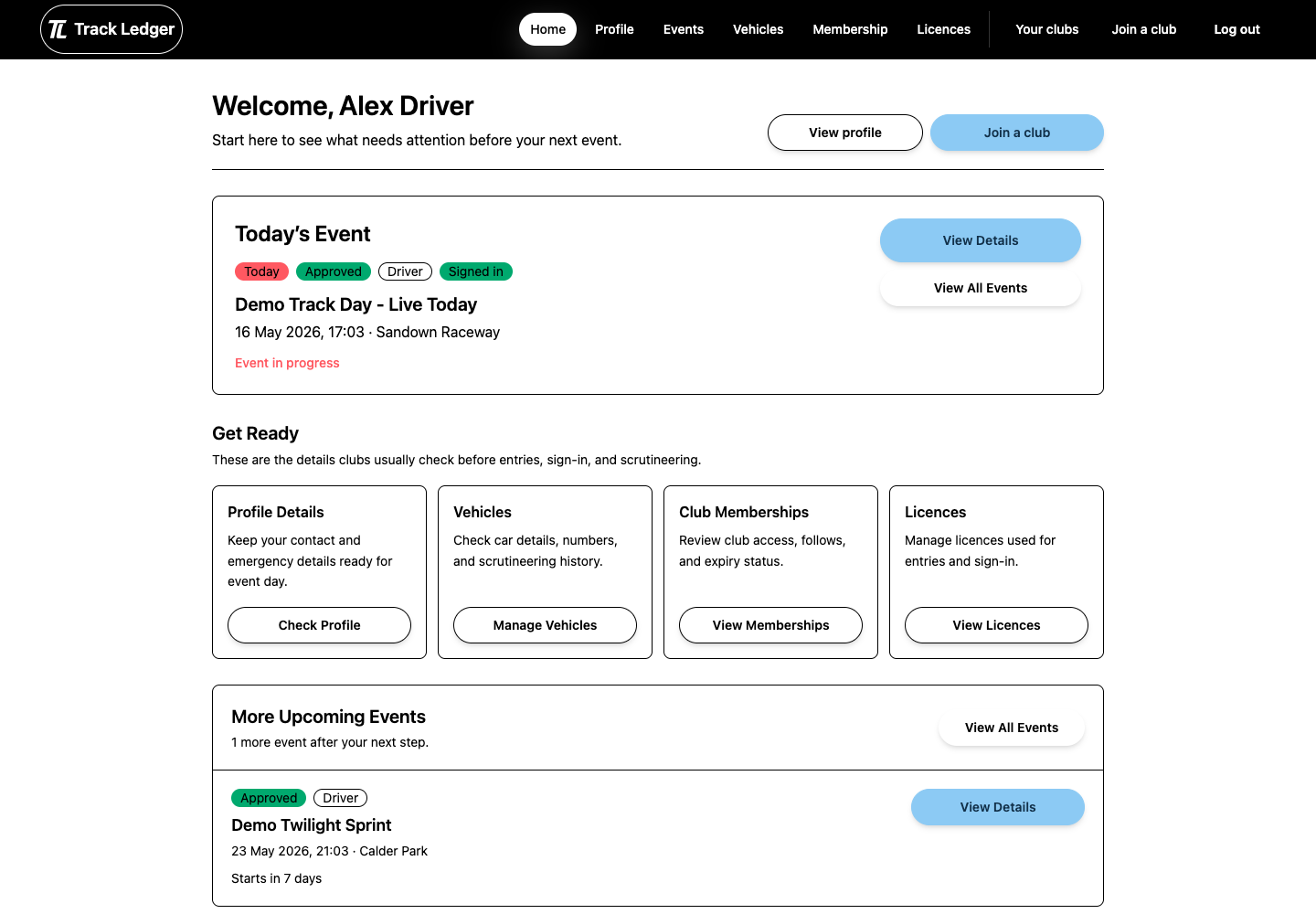
Members
Account, clubs, licences, vehicles, and event entry
Use the member path if you are joining clubs, managing your own details, or entering events as a driver, volunteer, media applicant, or spectator.
Members can set up accounts, licences, vehicles, and event entries. Club admins can manage members, billing, waivers, scrutineering, and events.
Account, clubs, licences, vehicles, and event entry
Use the member path if you are joining clubs, managing your own details, or entering events as a driver, volunteer, media applicant, or spectator.
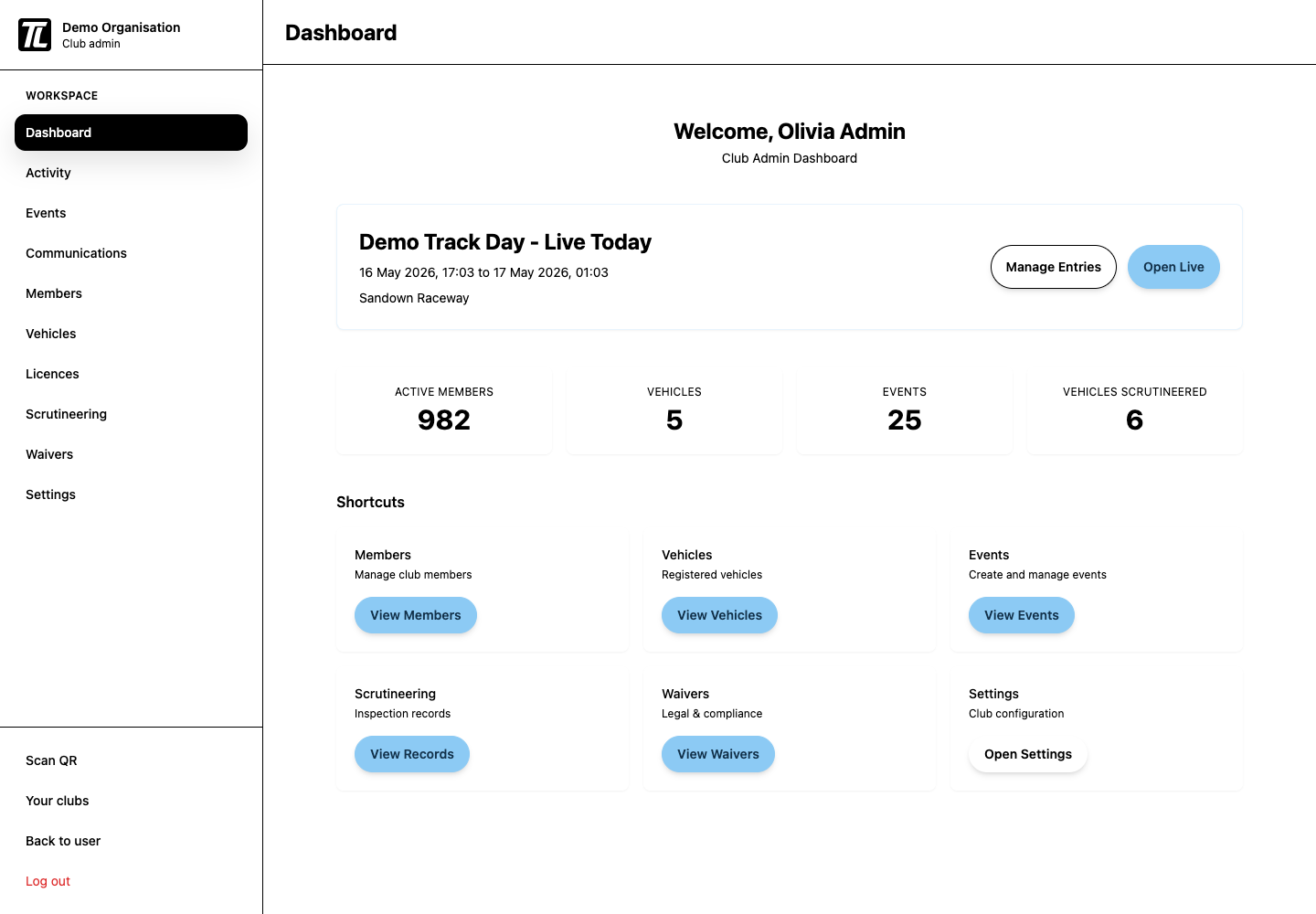
Organisation setup, members, events, and event-day operations
Use the club-admin path if you are setting up the organisation, reviewing members, configuring events, or running live event-day workflows.
Create your account, complete your profile, join a club, and get ready for events.
Add licence and vehicle details so driver entry, sign-in, and scrutineering are ready.
Choose an event role, submit an entry, complete payment if needed, and track your status.
Complete sign-in, waiver, licence, and scrutineering steps when the event goes live.
Set up your club profile, membership access, billing, waivers, checklists, and first event.
Invite members, manage access, assign admin roles, and support paid membership flows.
Create waiver text and scrutineering checklists, then attach them to events.
Set up club plans, membership pricing, and payment options for paid memberships or event entries.
Build an event draft, publish it, manage entries, and support event-day operations.
Know which TrackLedger site to use for marketing, guides, login, registration, and app workflows.
Plain-English definitions for club relationships, event roles, entries, payments, and scrutineering results.